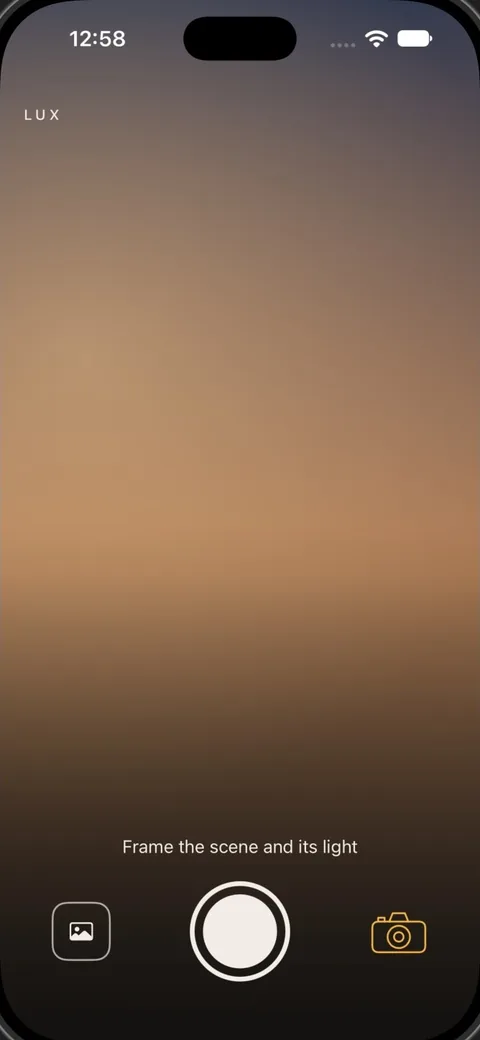
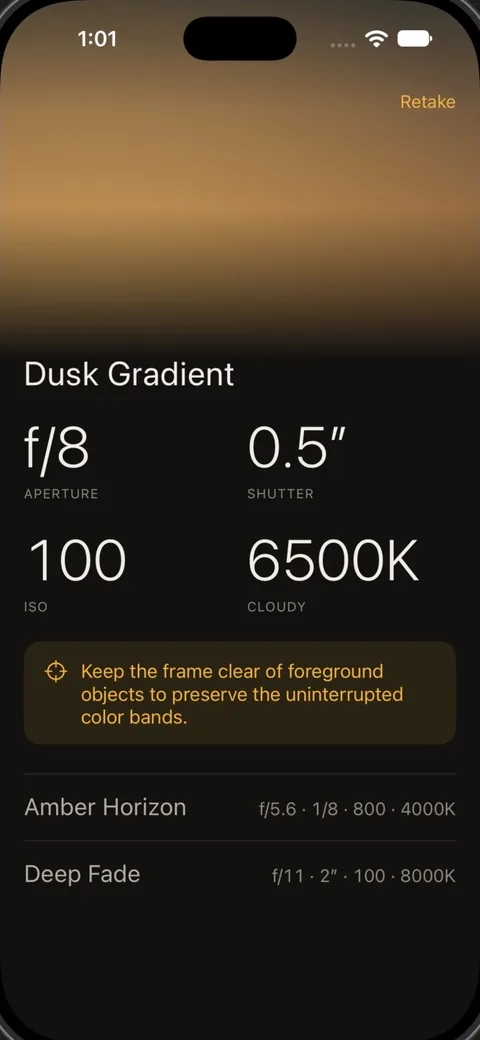
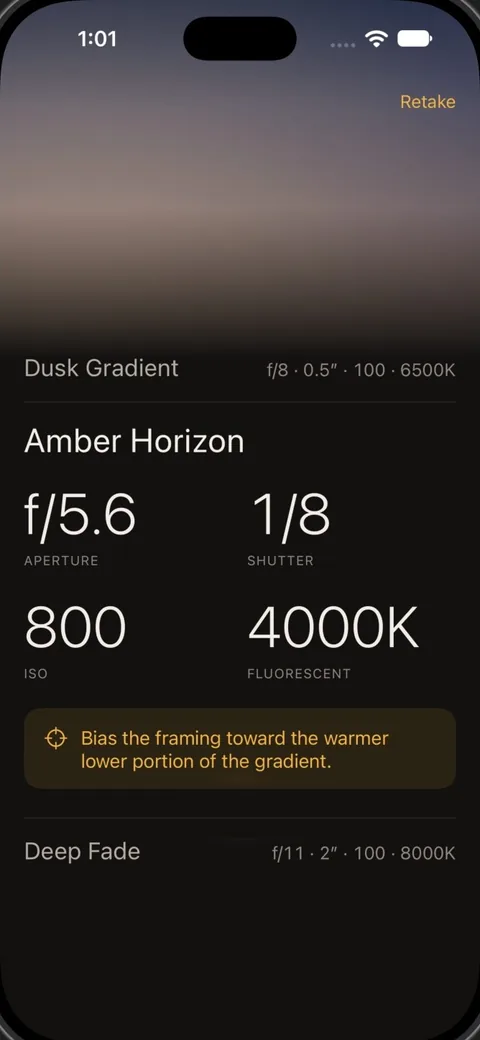
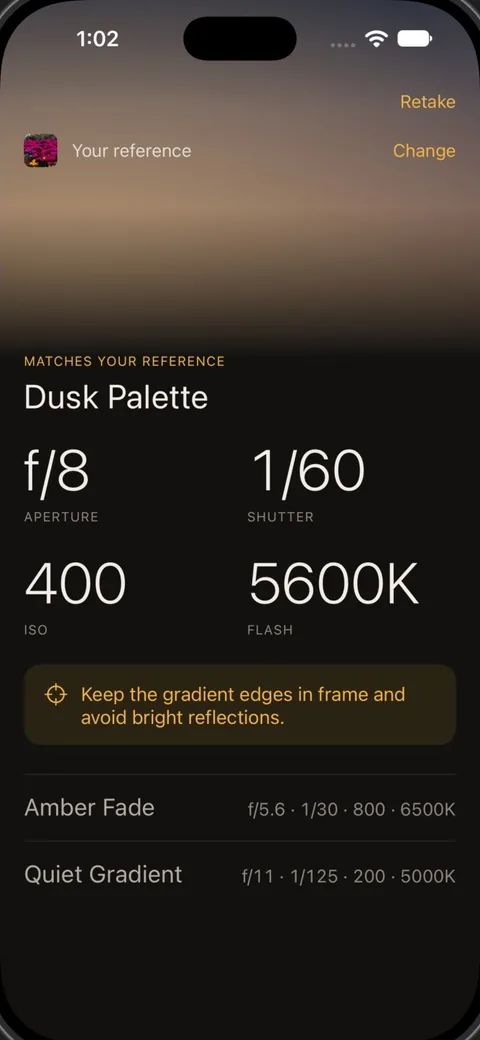
Two takes on one sunset
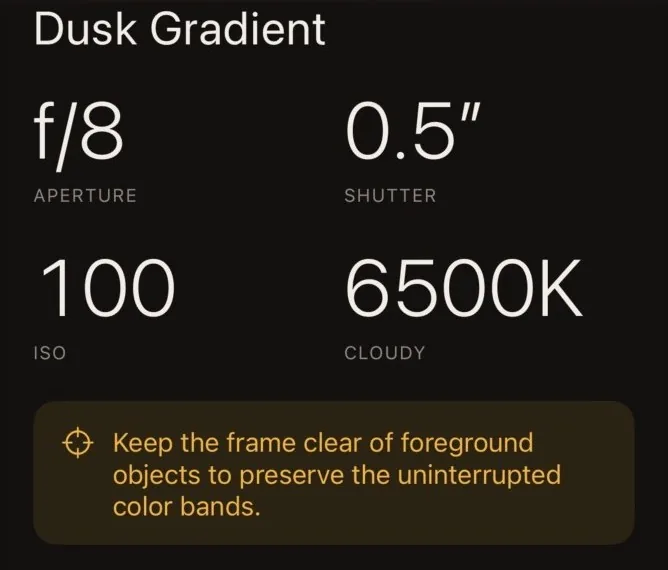
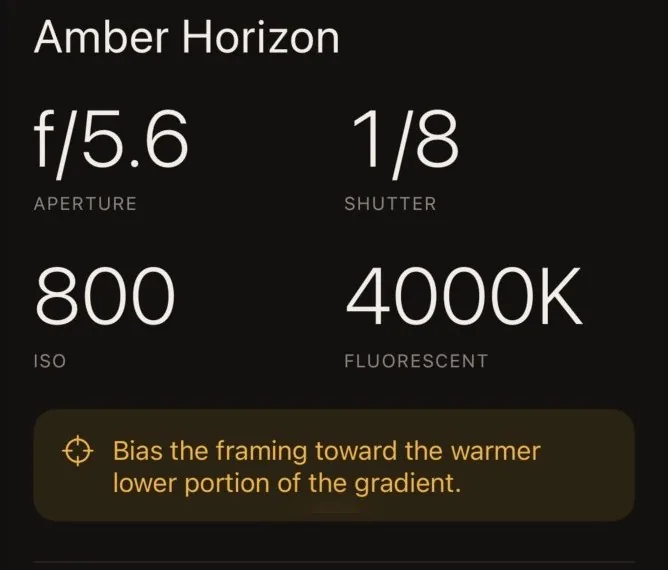
Each take is a whole recipe: aperture, shutter, ISO and white balance, and one tip for framing it.
Photograph the scene
Point your iPhone at what you're about to shoot. If you're after a particular look, add a reference photo and Lux matches it.
Set for your gear
Pick your camera and lens once. Every number stays inside what they can reach. Gear isn't listed? Lux keeps to safe values, nothing wider than f/8 for a lens it doesn't know, and you can ask for it to be added.
Your photos aren't kept
A photo is used for one request and then discarded. There's no sign-up, no ads and no tracking. Privacy policy
A free week to try it
Lux is a subscription, with a week free so you can take it on a real shoot first. At launch it's on iPhone in the US, Canada, Australia and New Zealand.